Use case
Use your iPhone as an inspectable local proxy for a nearby computer, tablet or test device on the same reachable network.
 MonoWare

Product guide
iPhone proxy serverShare your iPhone’s local HTTP or SOCKS proxy, inspect devices and sessions, and connect your Mac with Proxy Companion.
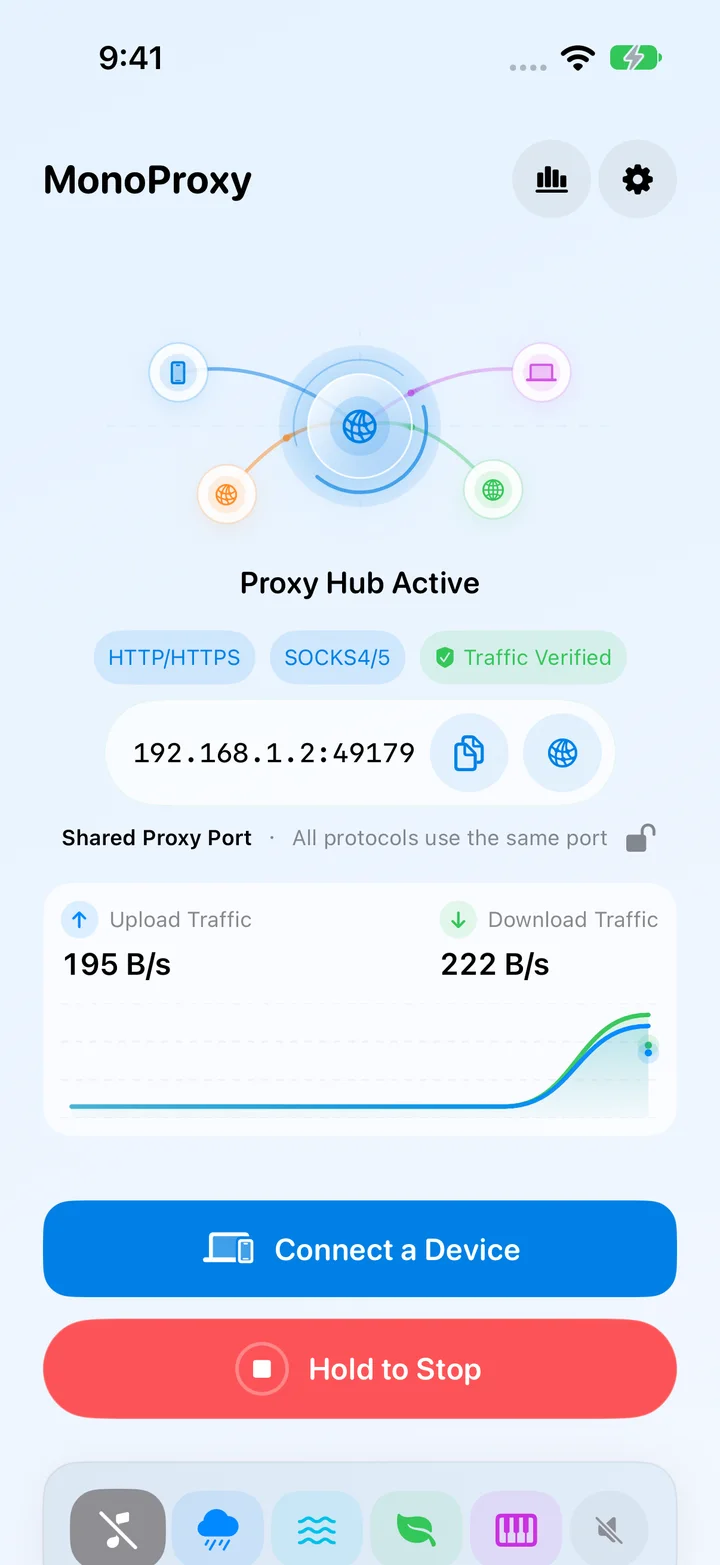
iOS update preview
The 2.9.3 update was submitted for App Store review on October 15, 2026. These previews show the new workspace; store availability follows Apple’s review.
Explore the iOS updateOverview
Start the proxy on your iPhone, configure nearby clients, and inspect device details, session analysis and connection diagnostics. Search saved profiles, preview imports and export selected records when troubleshooting.
In practice
Use your iPhone as an inspectable local proxy for a nearby computer, tablet or test device on the same reachable network.
Start MonoProxy and set your proxy credentials. On Mac, discover the service with Proxy Companion, add a configuration and connect using those same credentials. Review devices, sessions and diagnostics on iPhone.
Proxy traffic uses the endpoint on your iPhone without a MonoWare relay. Review reports before sharing and choose what to export.
MonoProxy engineering notes
Technical decisions, implementation details, and product context published for MonoProxy.
MonoProxy 2.9.3 expands device management, session analysis, diagnostic reports and profile transfers, with controlled recovery after network changes.
MonoProxy 2.8.3 adds Siri and Shortcuts automation, network-aware proxy profiles, SOCKS5 UDP relay, clearer stop notifications, and stronger connection recovery.
MonoProxy 2.4.0 improves large transfers, uploads, Range requests, long-lived sessions, local setup, and network diagnostics on iPhone and iPad.
MonoProxy 2.3.1 brings a clearer local proxy workflow, stronger client controls, better diagnostics, and more reliable transfers to iPhone and iPad.
How MonoProxy classifies HTTP, CONNECT and SOCKS on one listener, then preserves ordering, backpressure, half-close semantics and security boundaries.
A practical path from choosing a reachable iPhone interface to configuring a client, verifying traffic and securing local proxy access.